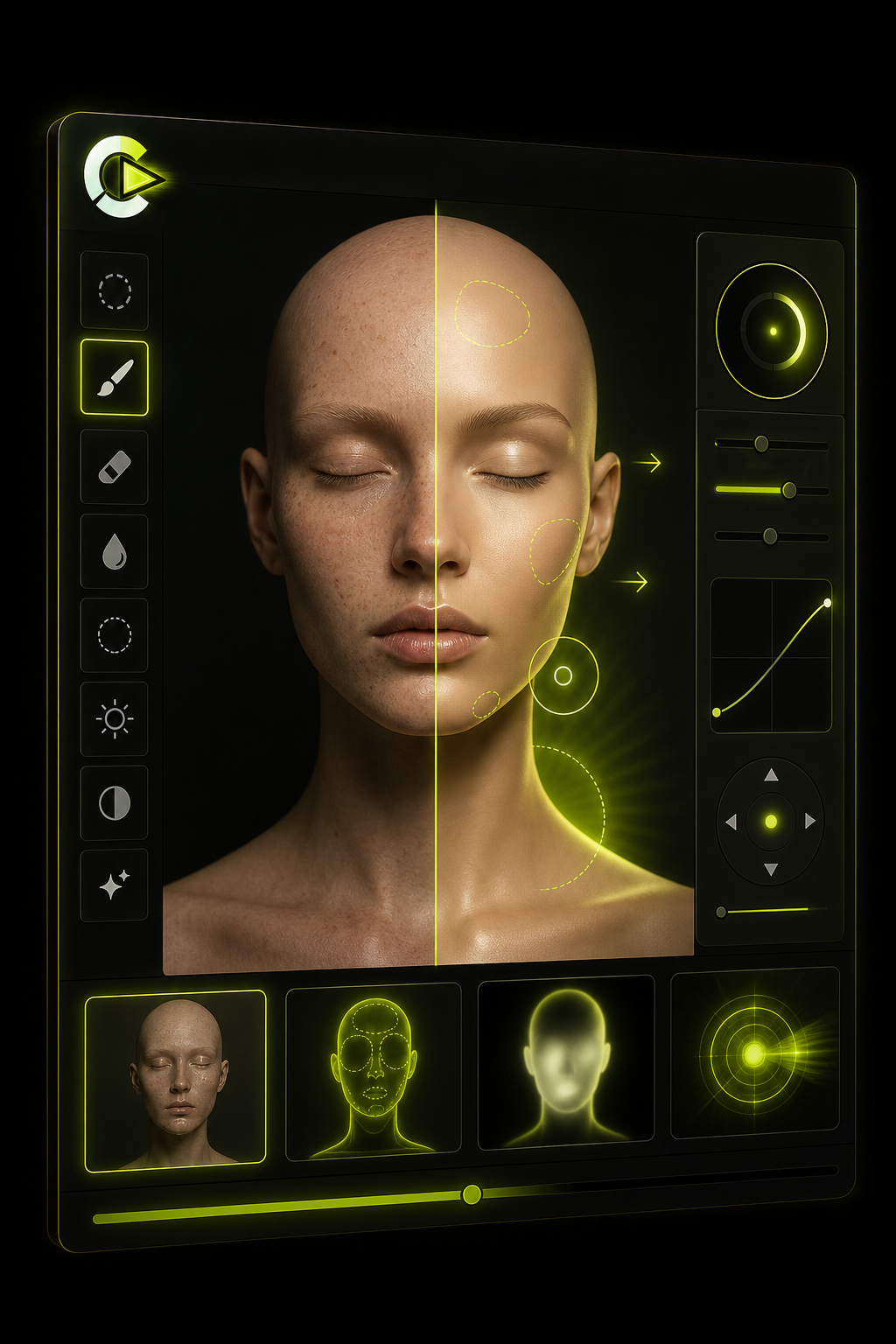
Portrait editing
Retouch and relight
Before-after masking, light adjustment, and selective cleanup for a controlled portrait edit.
 LyroLyro AIContact
Image editing gallery
These visuals show the editing workflows the product is designed around: retouch, restage, remove, transform, and restore.
Before-after masking, light adjustment, and selective cleanup for a controlled portrait edit.
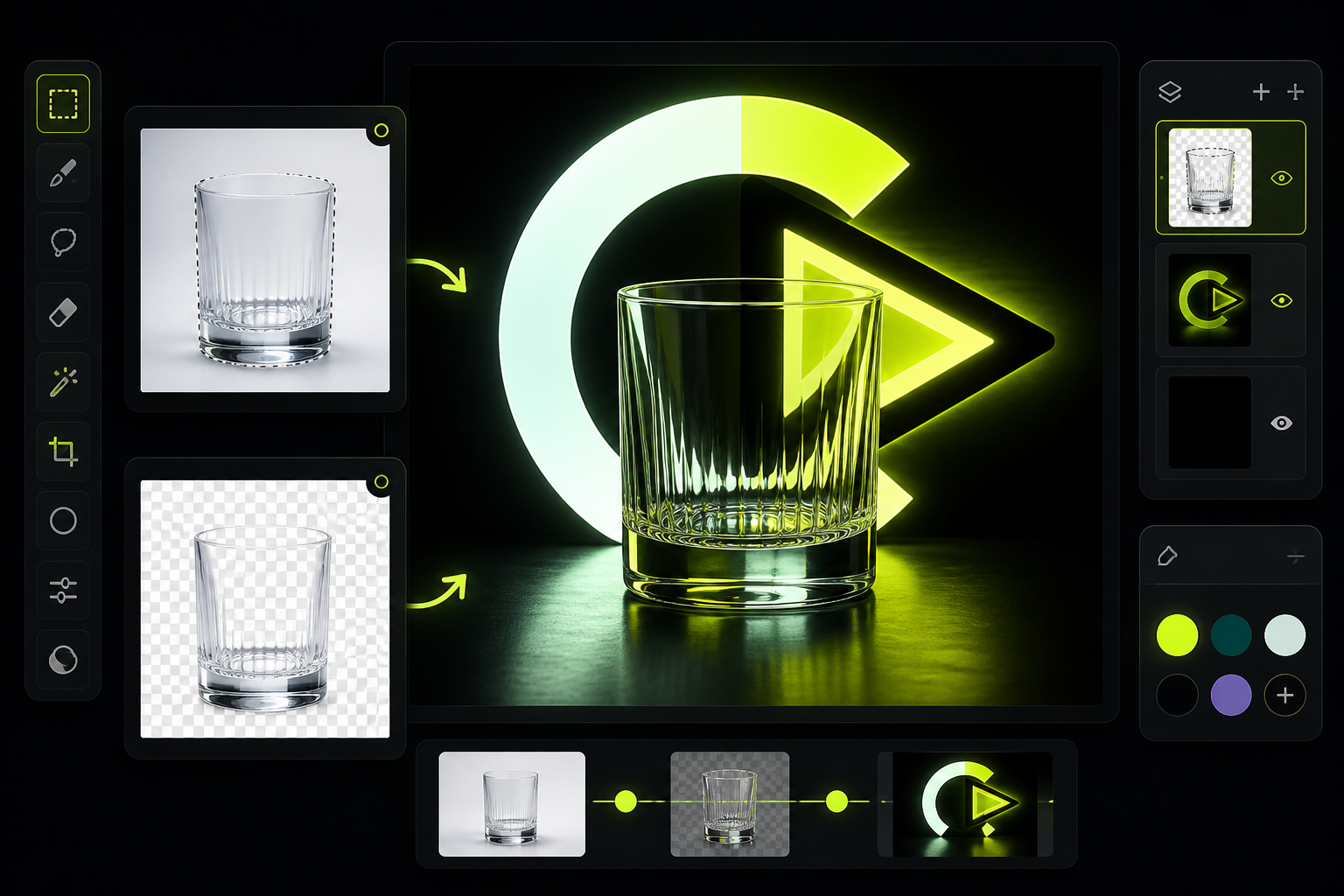
Subject isolation, transparent cutout, color swatches, and a new studio-style environment.
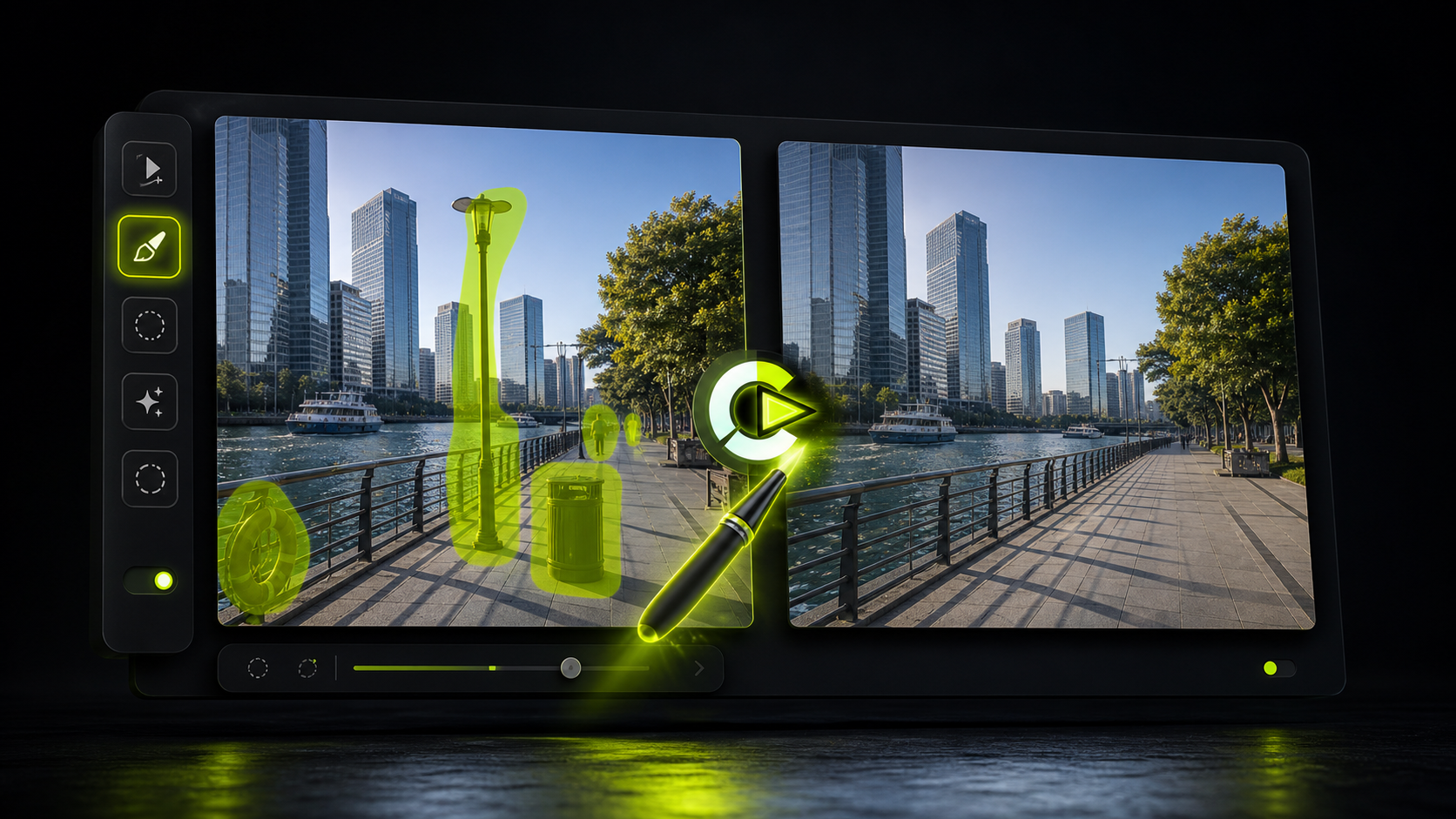
Mask unwanted objects and rebuild the surrounding scene with a cleaner final frame.
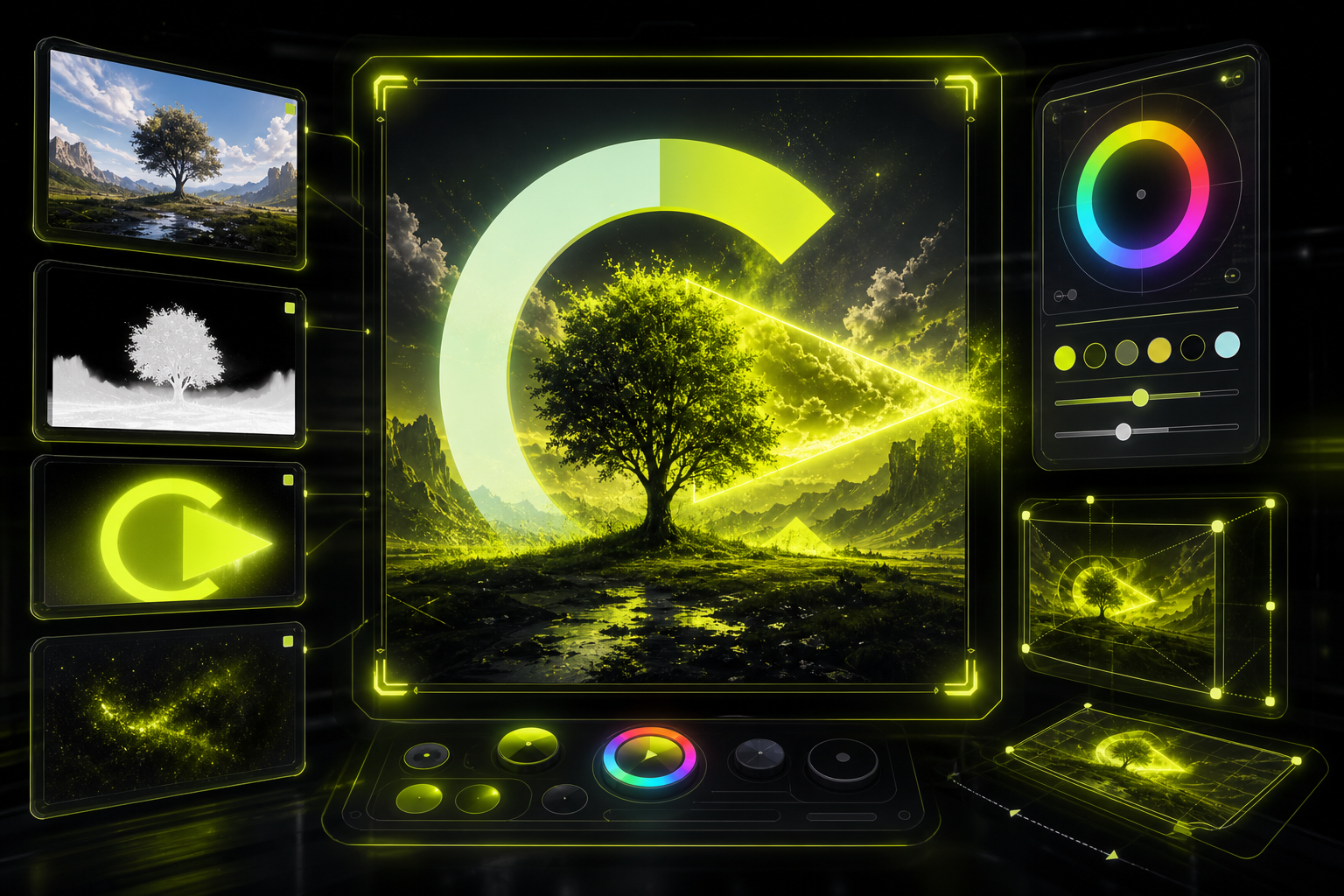
Blend layers, expand a canvas, and push a simple source image into a more expressive poster look.
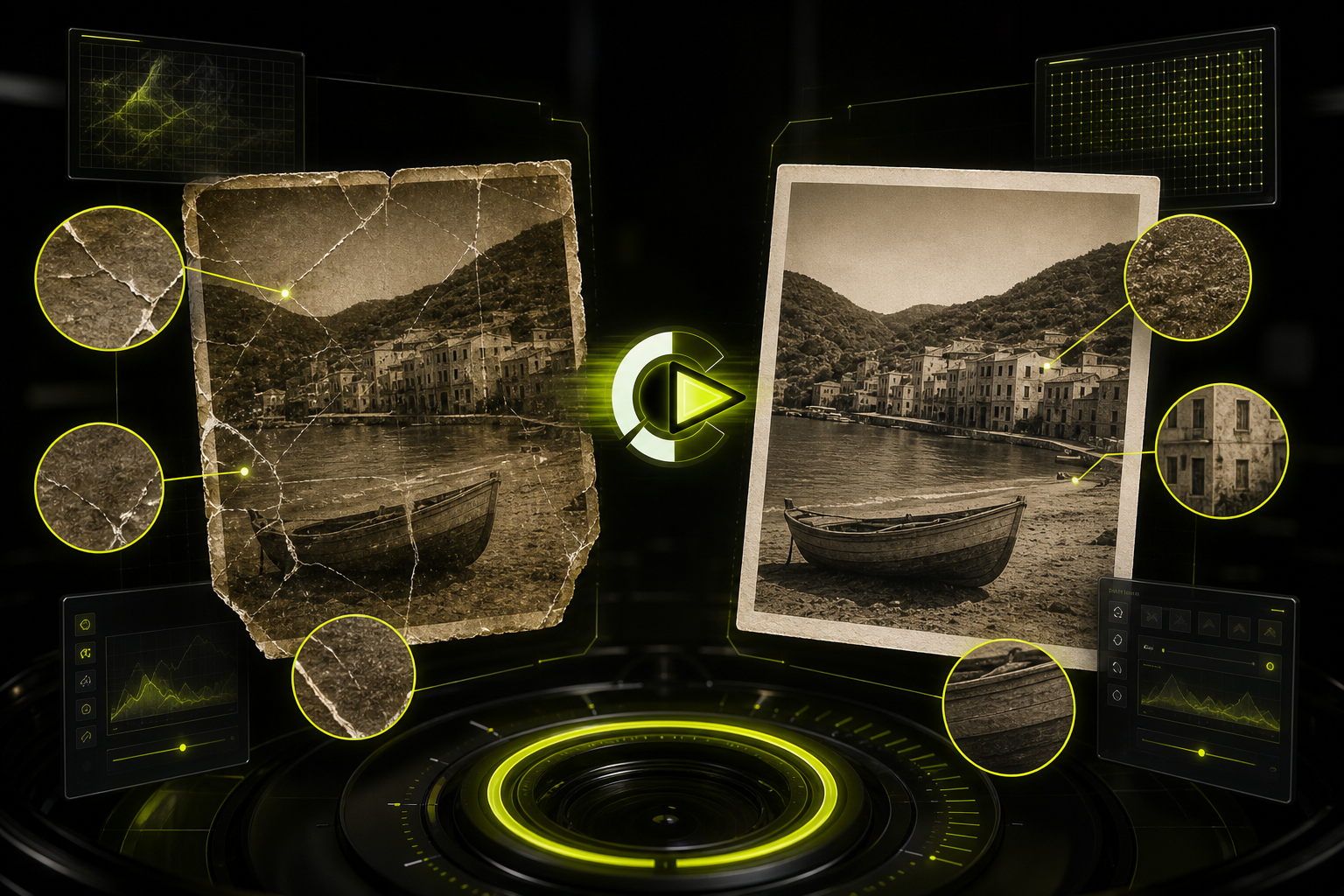
Scratch repair, magnified detail review, and higher-resolution recovery for older images.
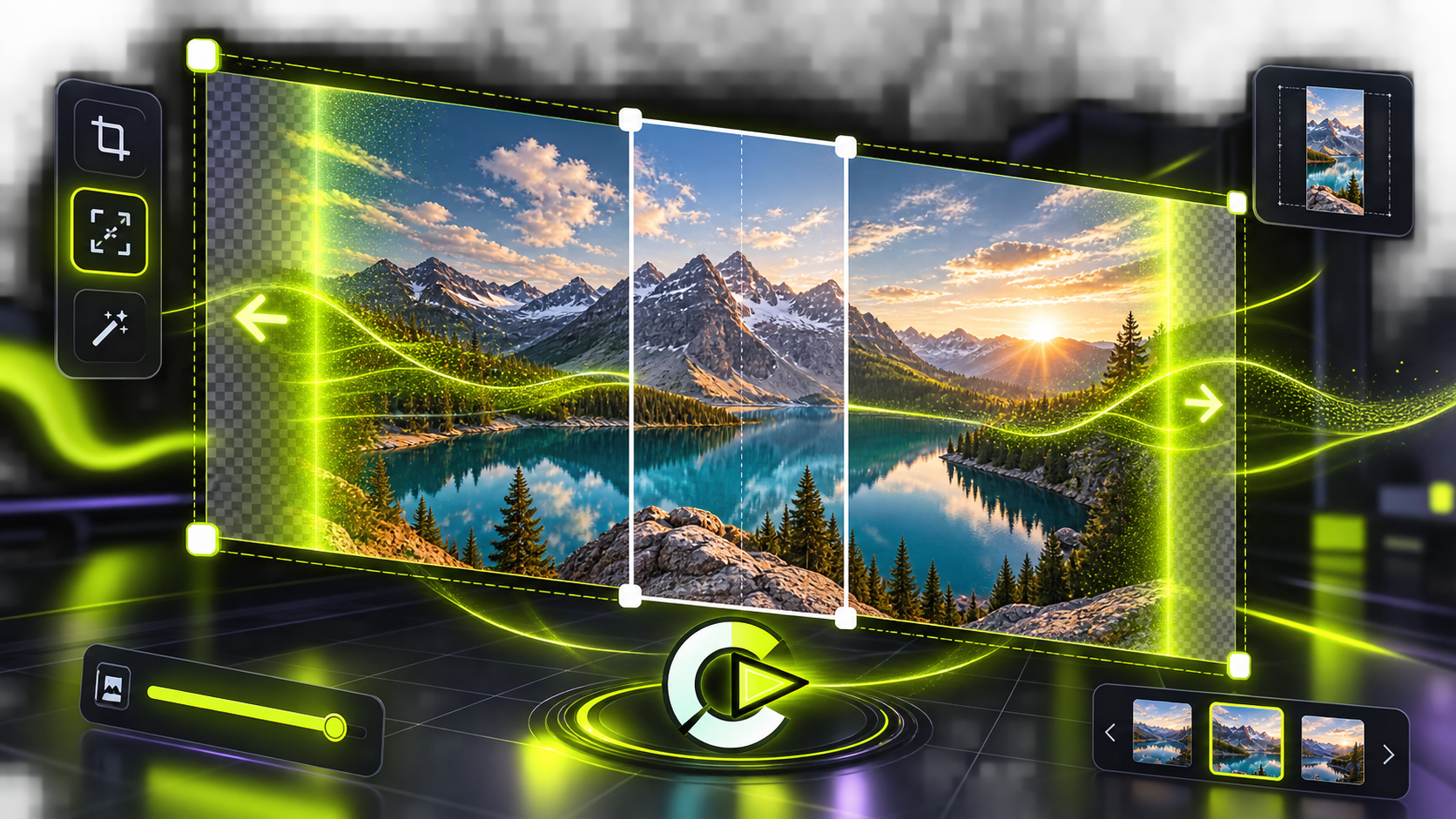
Turn a narrow source image into a wider composition with generated edges and crop-safe guides.
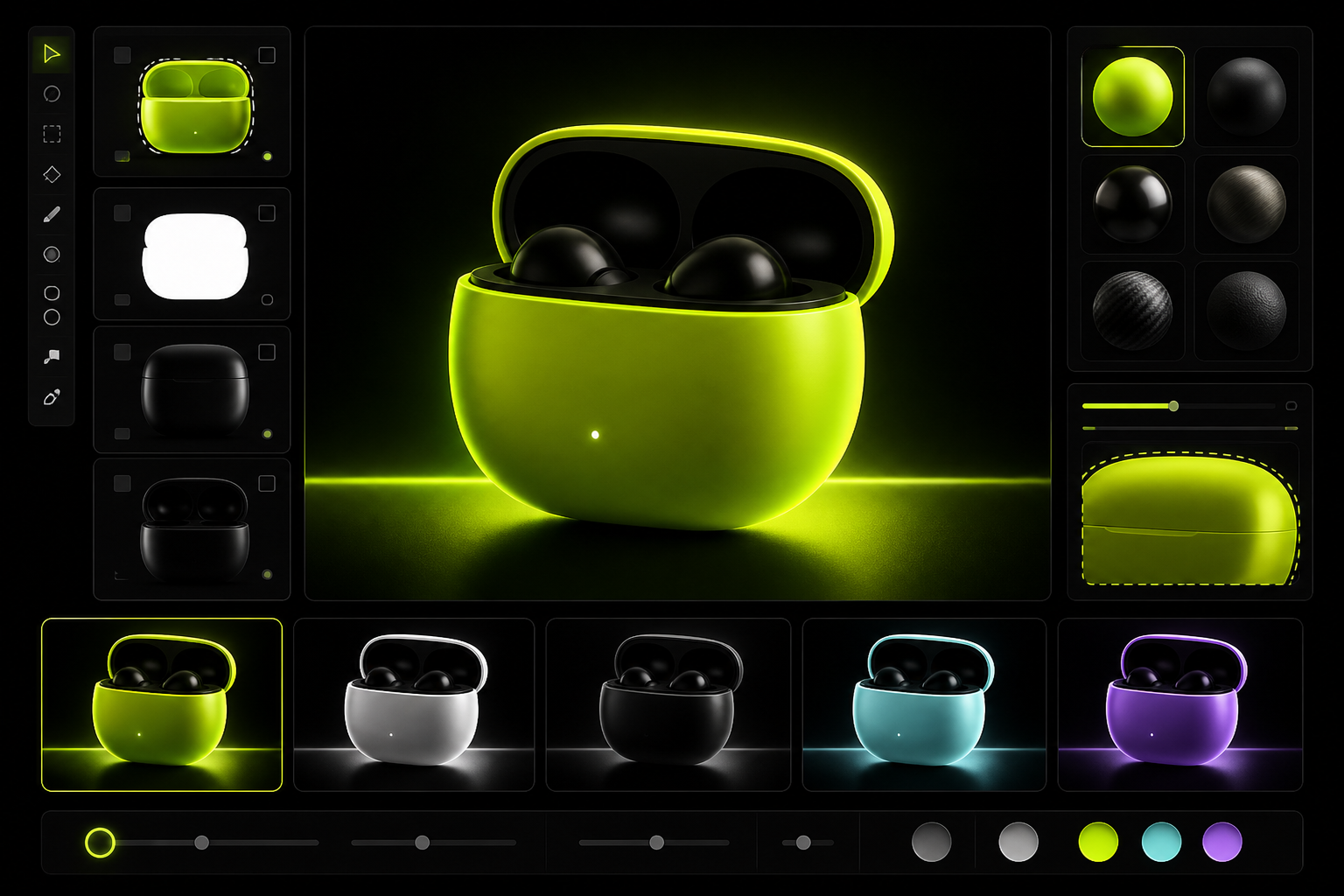
Select a plain product surface, test new colors, and compare material variants before exporting.
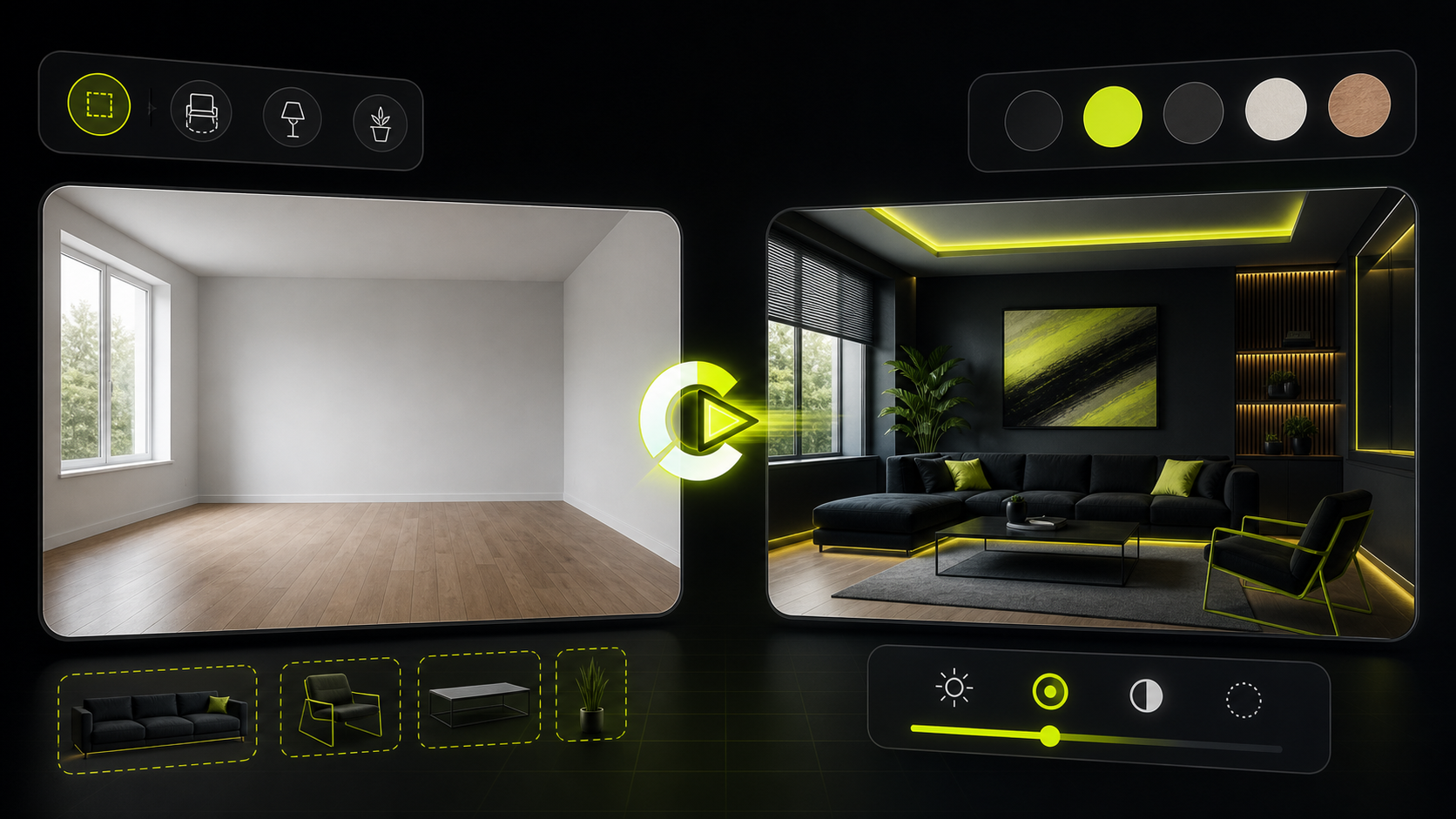
Transform an empty room into a styled interior using furniture masks, lighting changes, and color swatches.
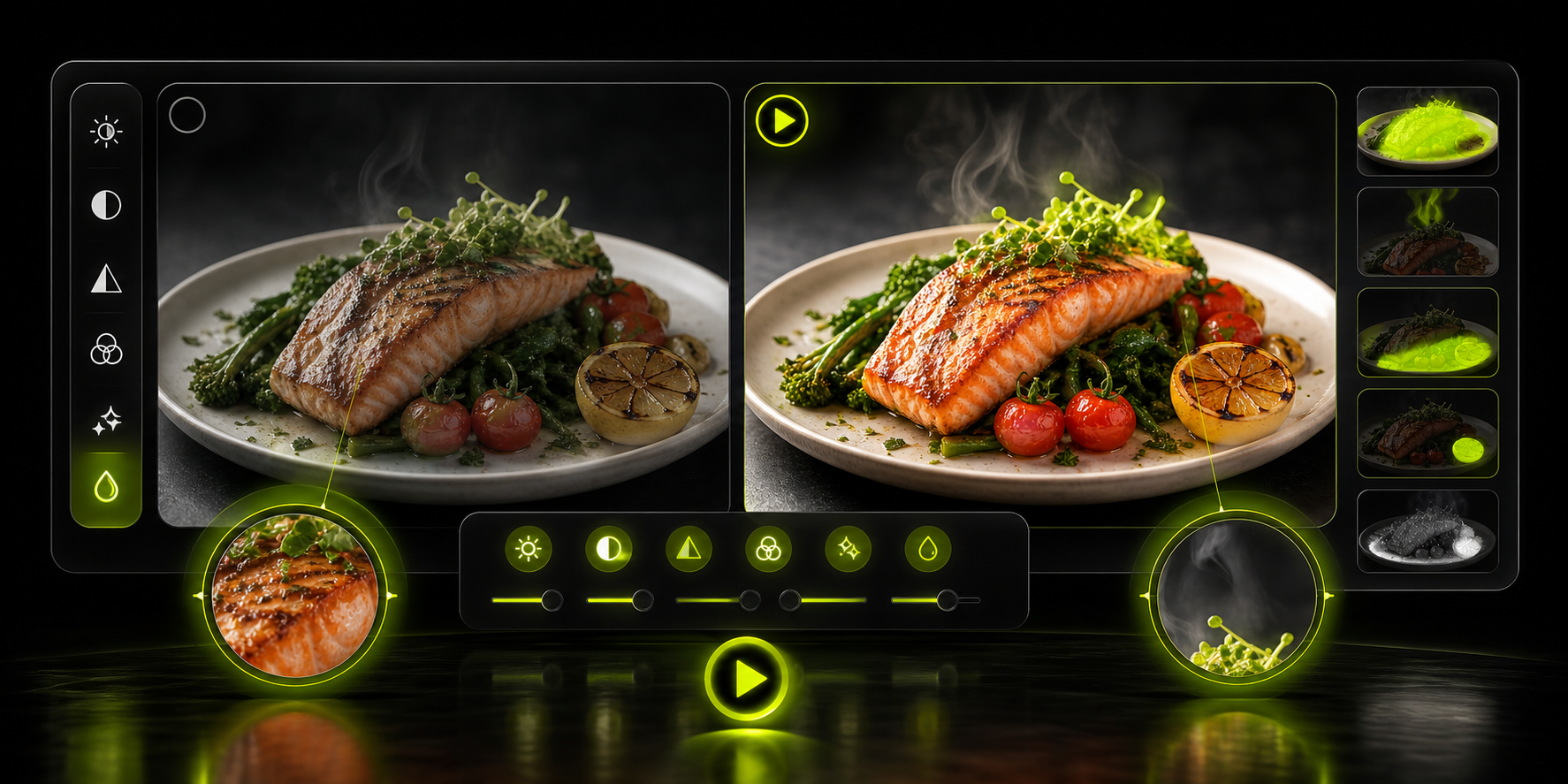
Improve lighting, contrast, color, and fine detail for a more polished food image.
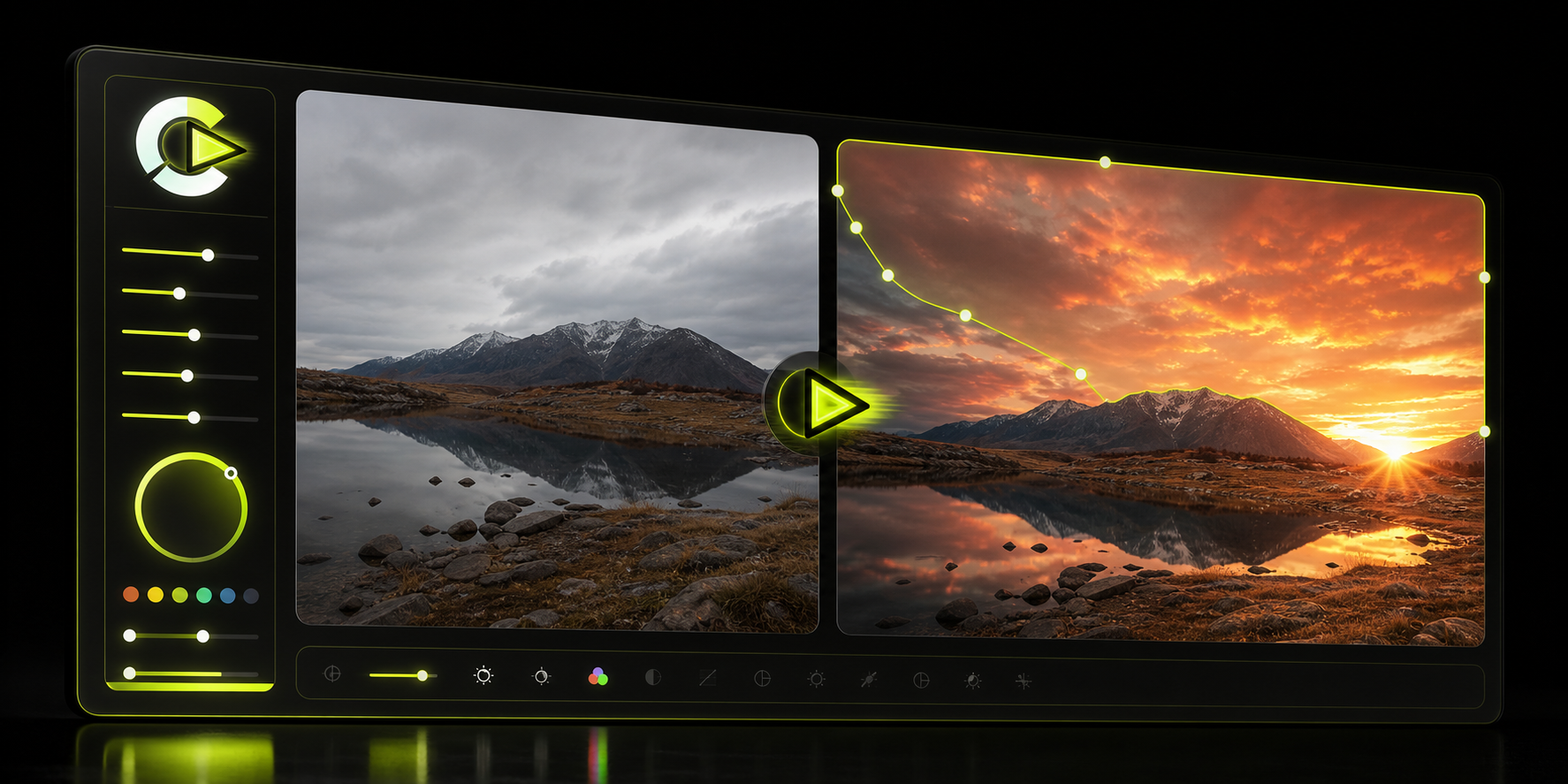
Swap a dull sky for a stronger atmosphere and relight the scene for a cohesive final image.
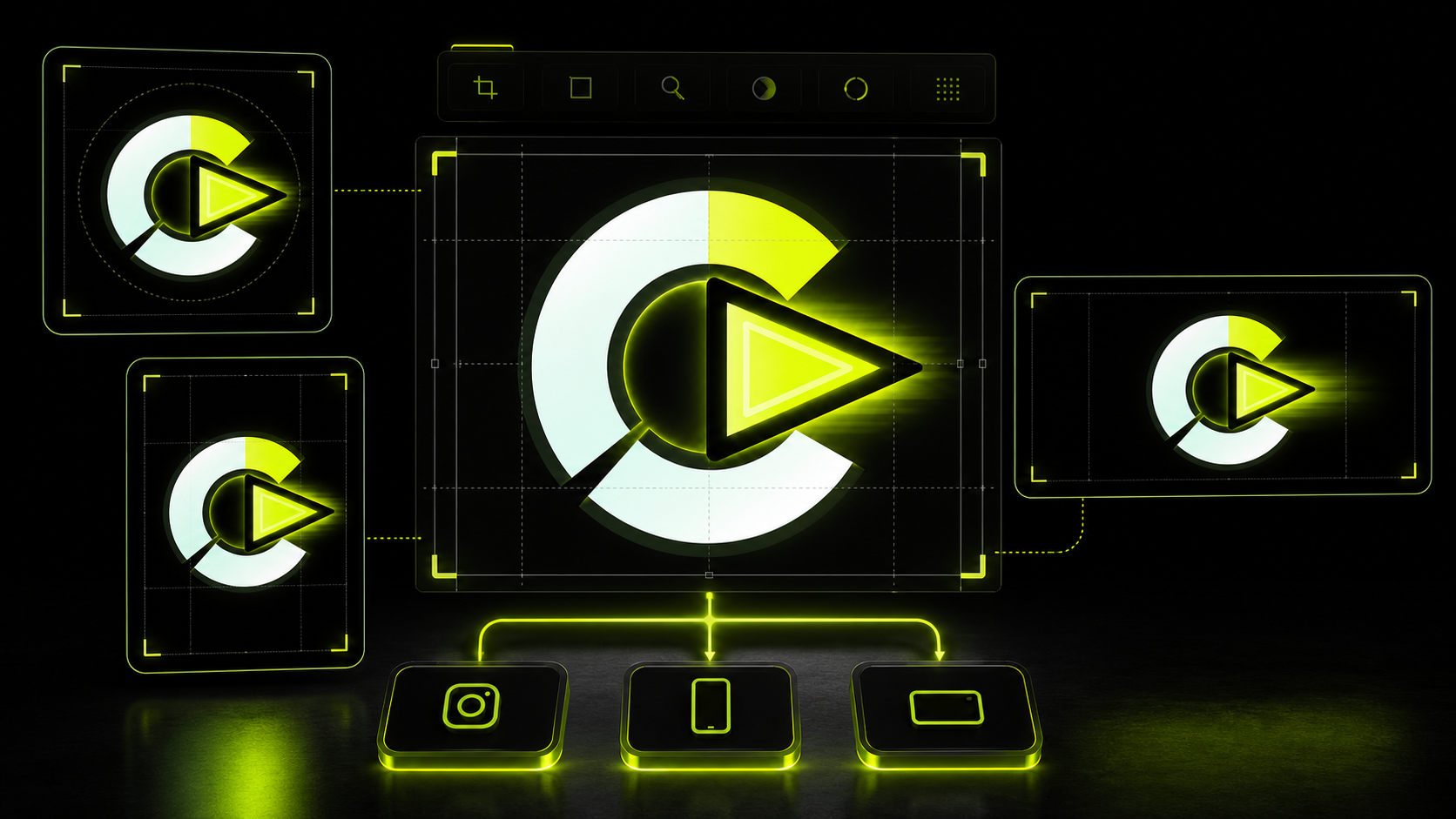
Reframe one edit into square, portrait, and wide crops while preserving the subject composition.