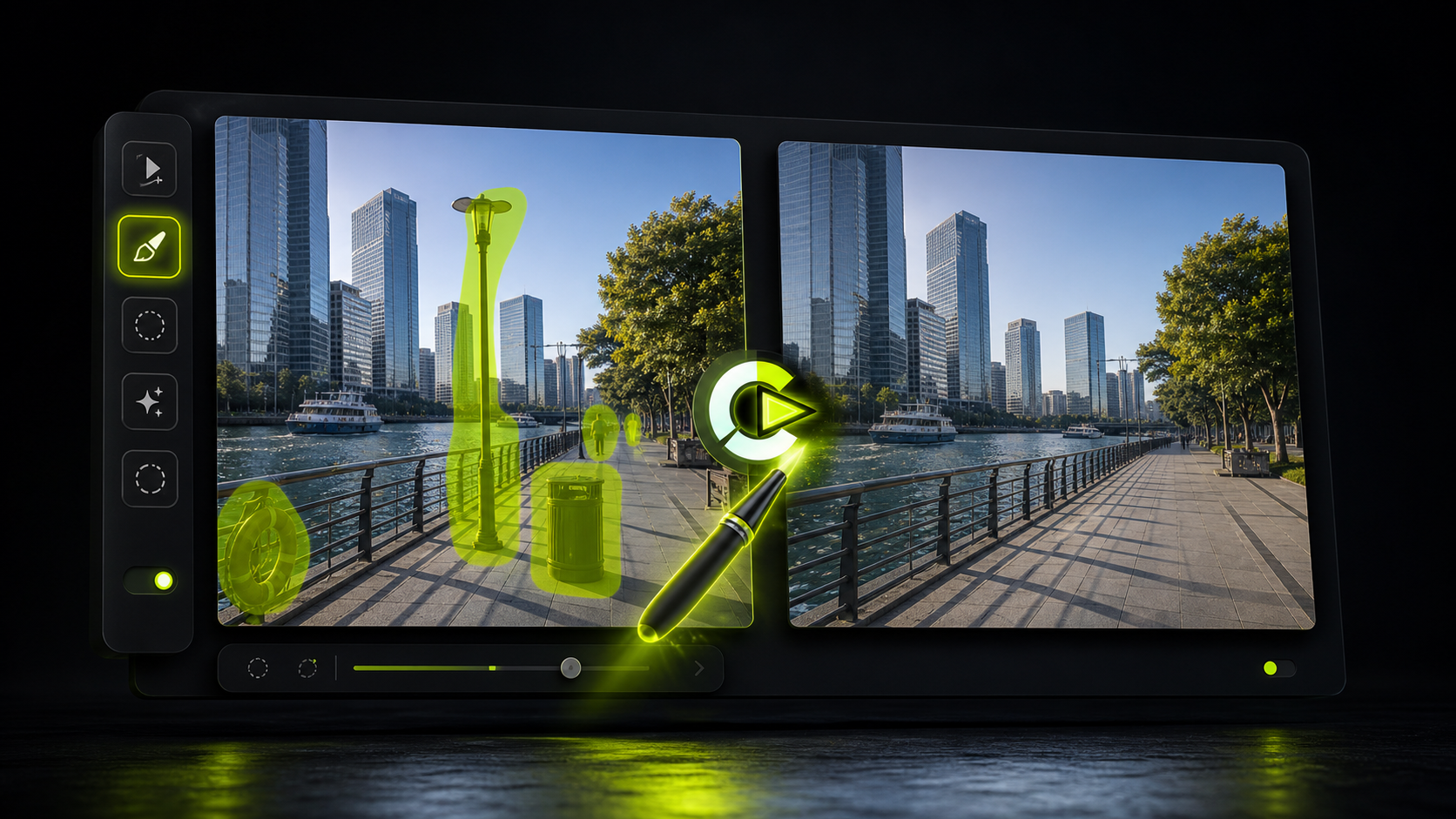
Clean up distractions
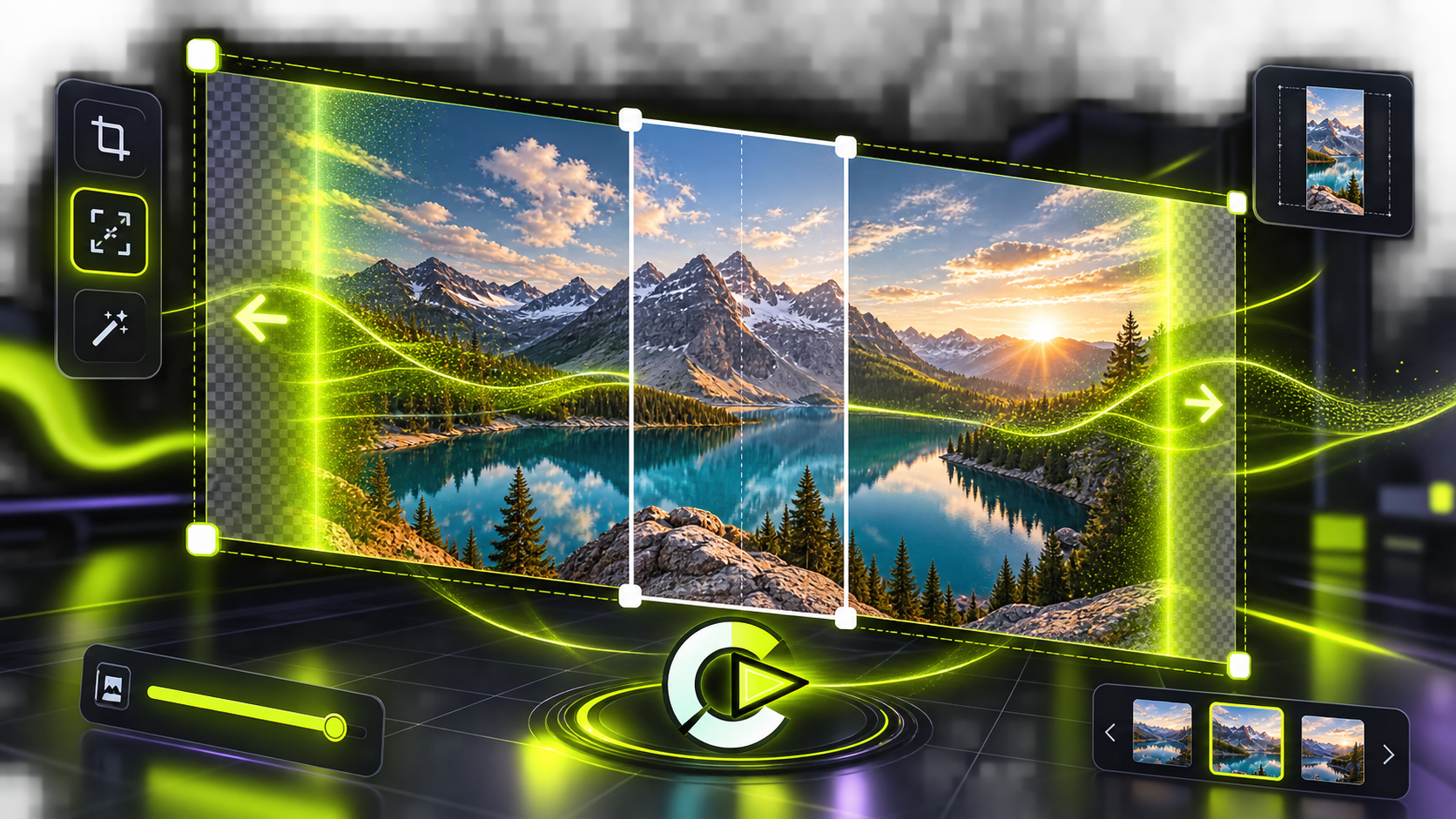
Brush over unwanted objects and generate a cleaner frame while preserving the surrounding scene.
 LyroLyro AIContact
AI image editor
Lyro helps users clean up photos, replace backgrounds, restore older images, retouch details, and build creative visual variations from simple image inputs.
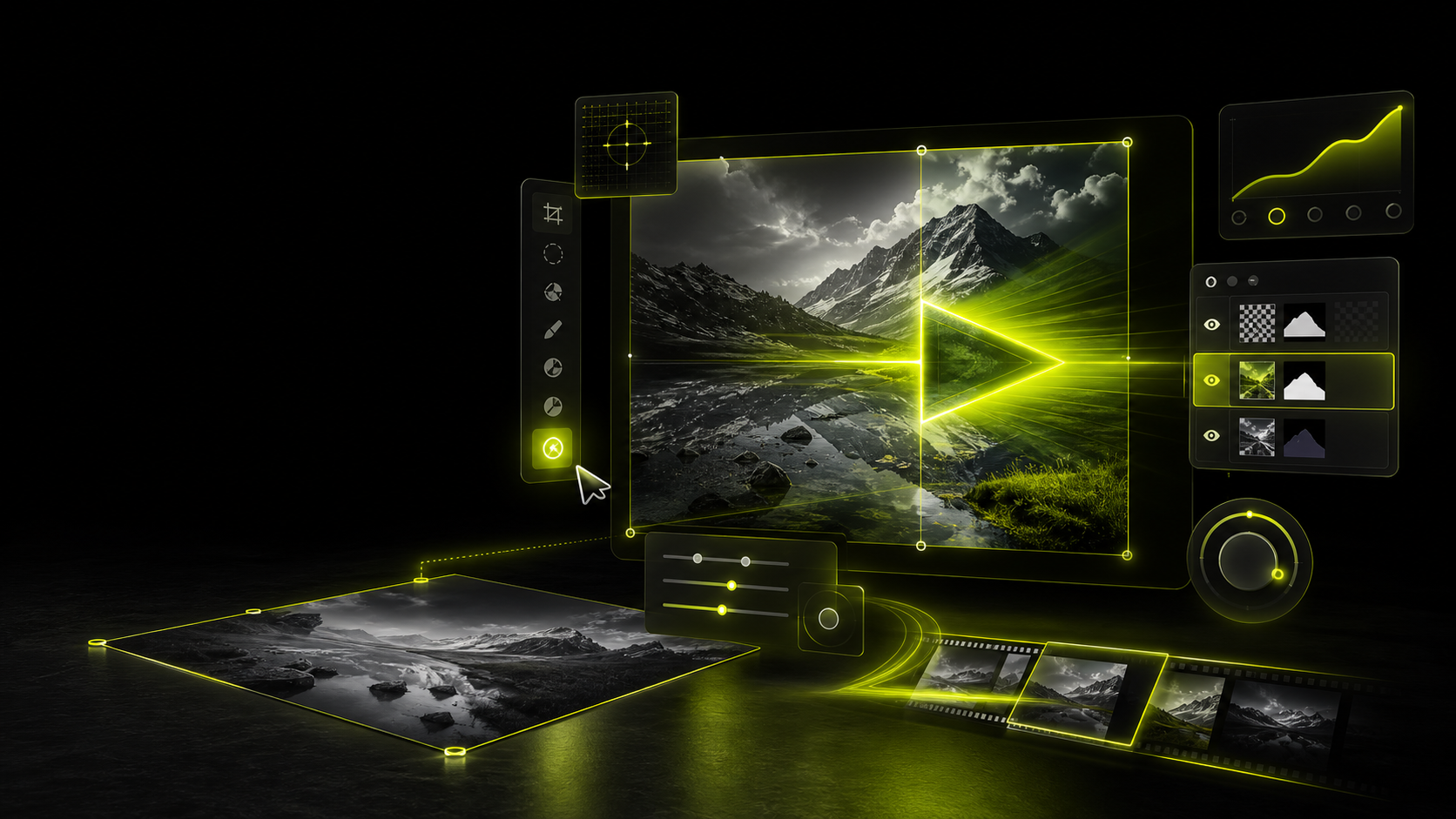 Image editing, not generic storage.Uploads are used to perform the edit you request.
Editing modes
Brush over unwanted objects and generate a cleaner frame while preserving the surrounding scene.
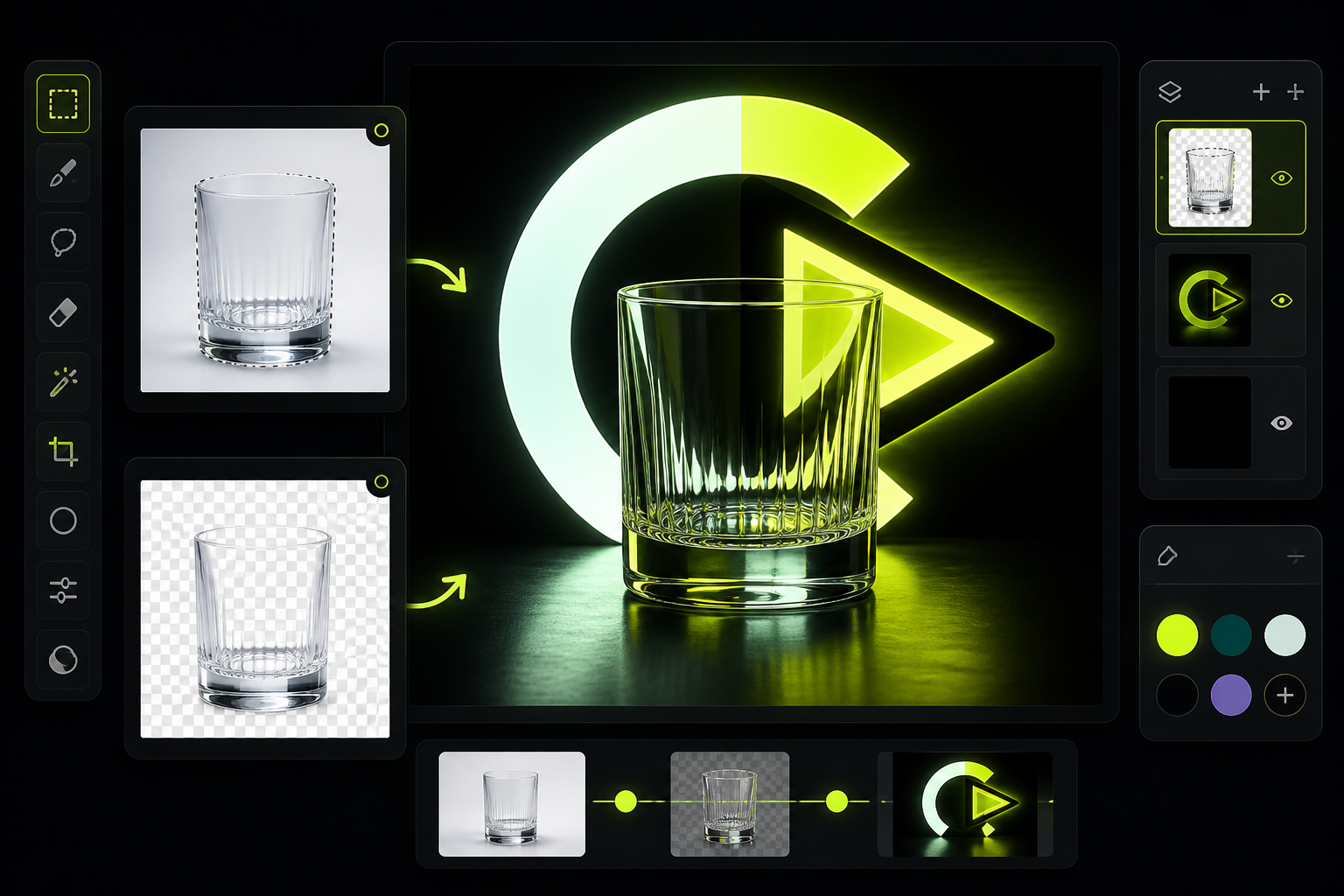
Cut out products, subjects, or objects and place them into a new studio, color, or scene direction.
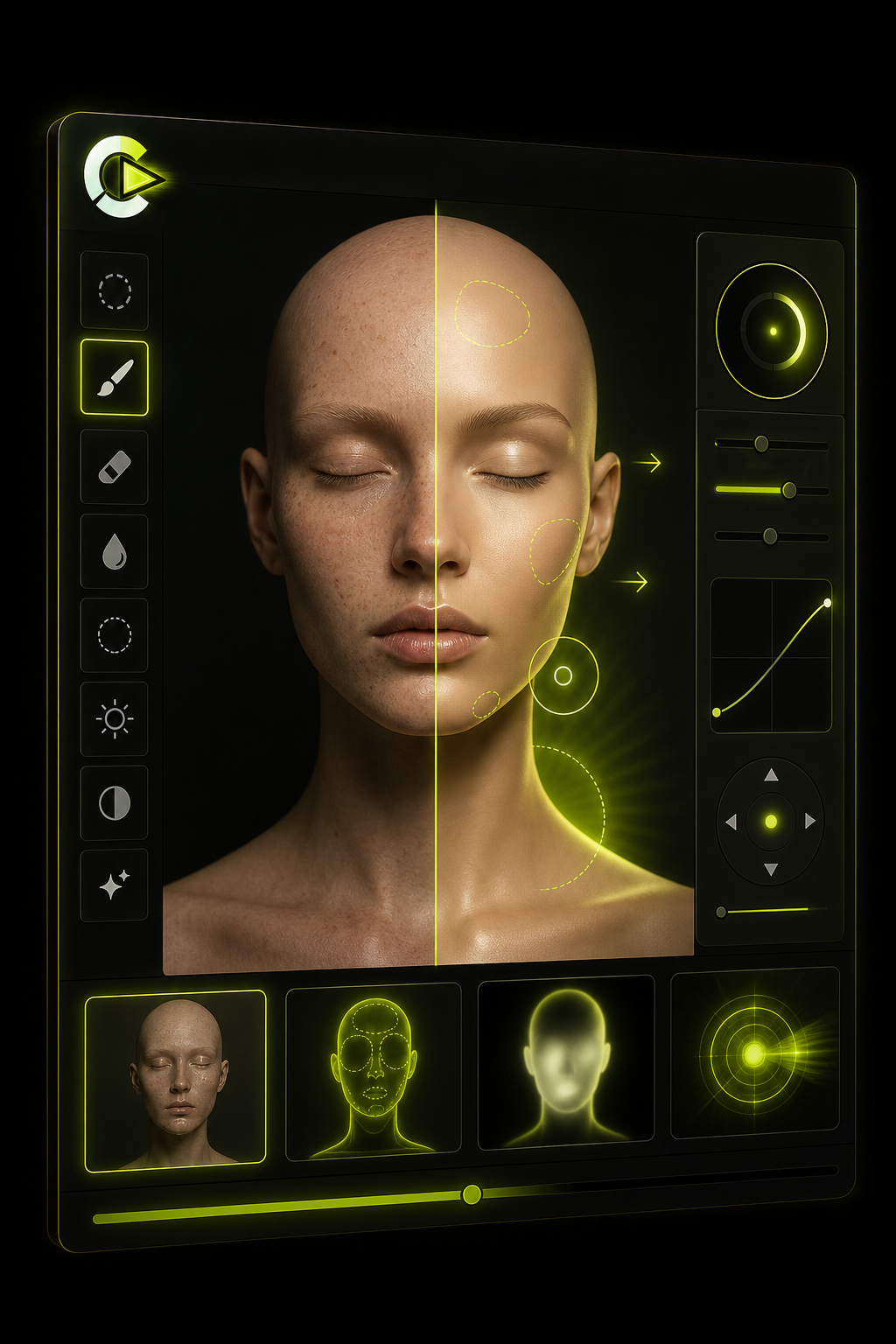
Use localized masks, light edits, and tone adjustments for a more polished image draft.
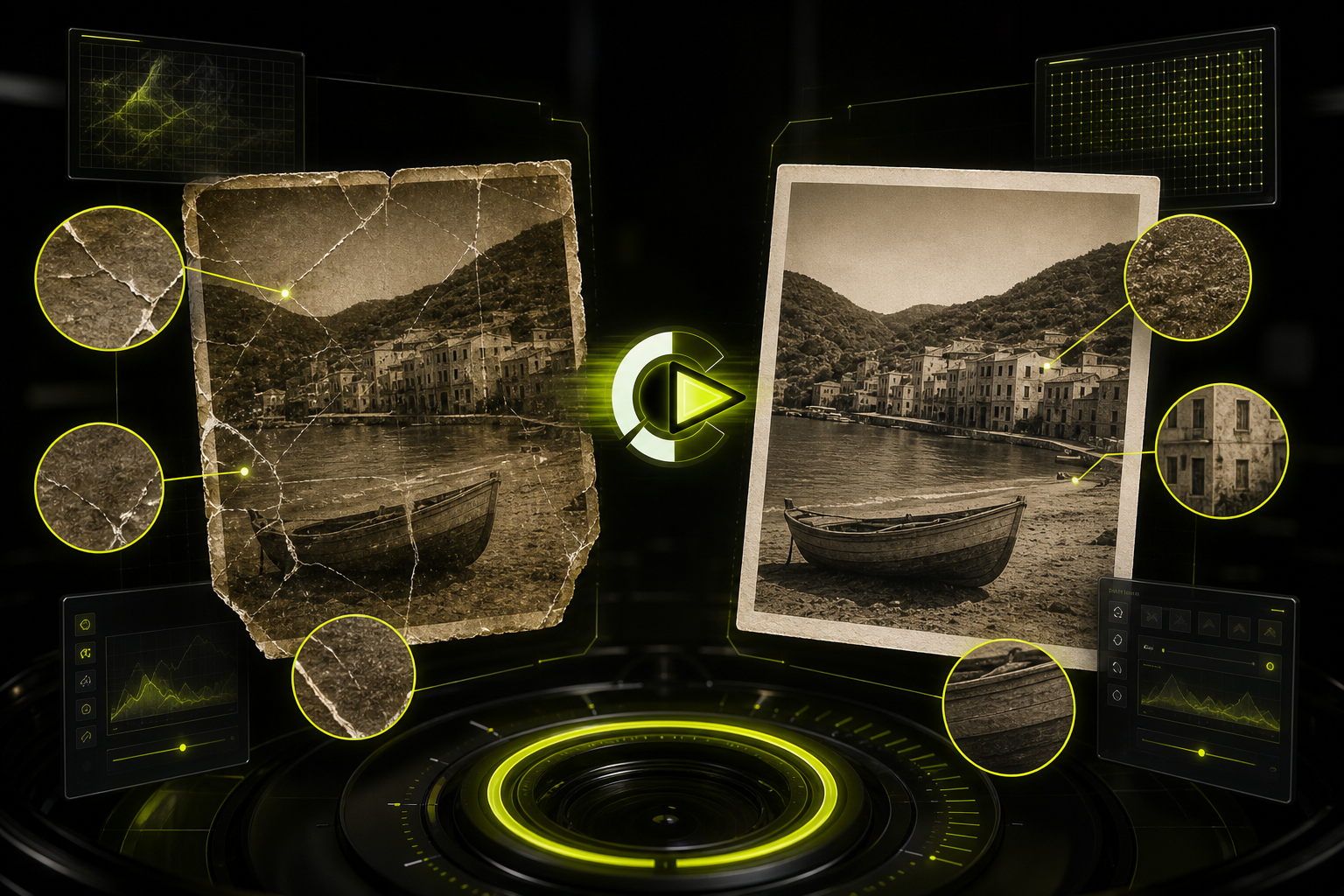
Repair scratches, recover texture, and prepare old or low-resolution images for reuse.
Workflow
The interface is designed for focused changes: mark an area, describe the result, generate a draft, then keep, retry, or delete.
Choose the image you want to edit and select a tool path.
Use masks, brush strokes, crop guides, or prompt details to define the change.
Lyro processes the edit on systems operated by us and returns a draft for review.
Your uploads, prompts, and generated edits are removed no later than 36 hours after creation, or sooner if you delete them.
Public information